
You can now remove participants from a published activity — a quick way to clear out test runs before sharing it with everyone.
This feature is available on the published activity's page and can be performed by both the instructor and co-instructors. Use it with care, though — once you delete a participant, their answers can't be recovered.
There are two ways to remove participants:
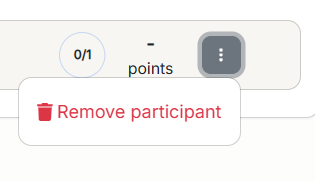
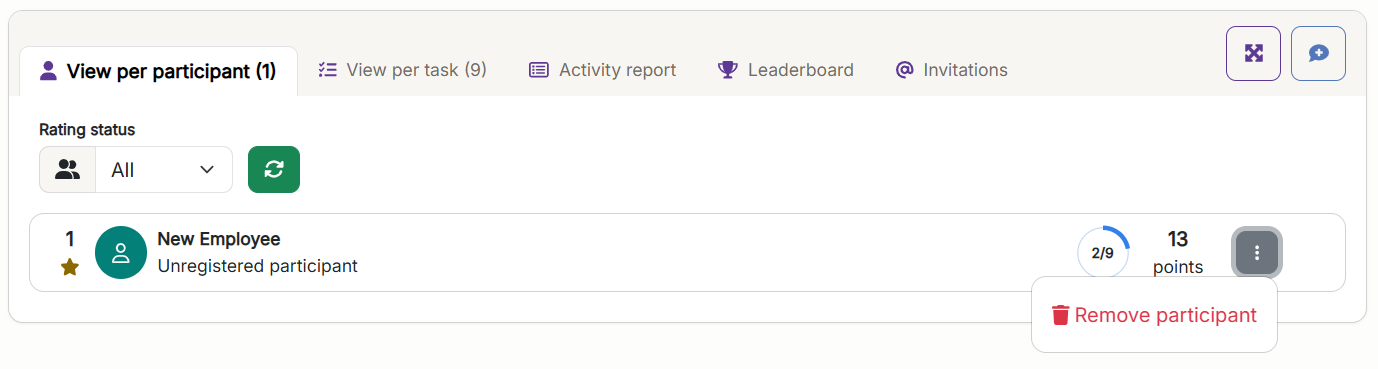
Open the ⋮ menu next to the participant in the participant list, and choose Remove participant.
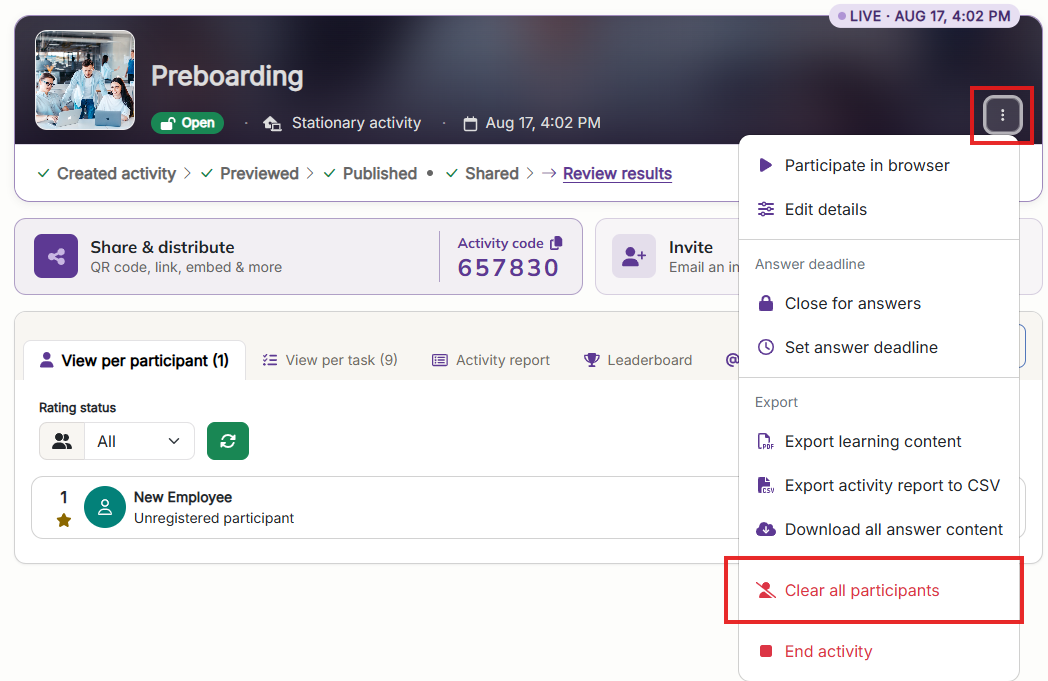
Open the Activity actions menu at the top of the activity, and choose Clear all participants.
Both actions permanently remove the participant's answers and uploaded files, and can't be undone.

Can't find answers to what you ar looking for, or have something to tell us?
Contact us and we will get back to you!
Our opening hours are Monday through Friday 08:00 to 16:00 (CET)