
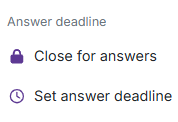
You can now close the possibility for new answers on published activities. Either straight away or at a time you plan in advance. Participants keep access to everything they have already answered.
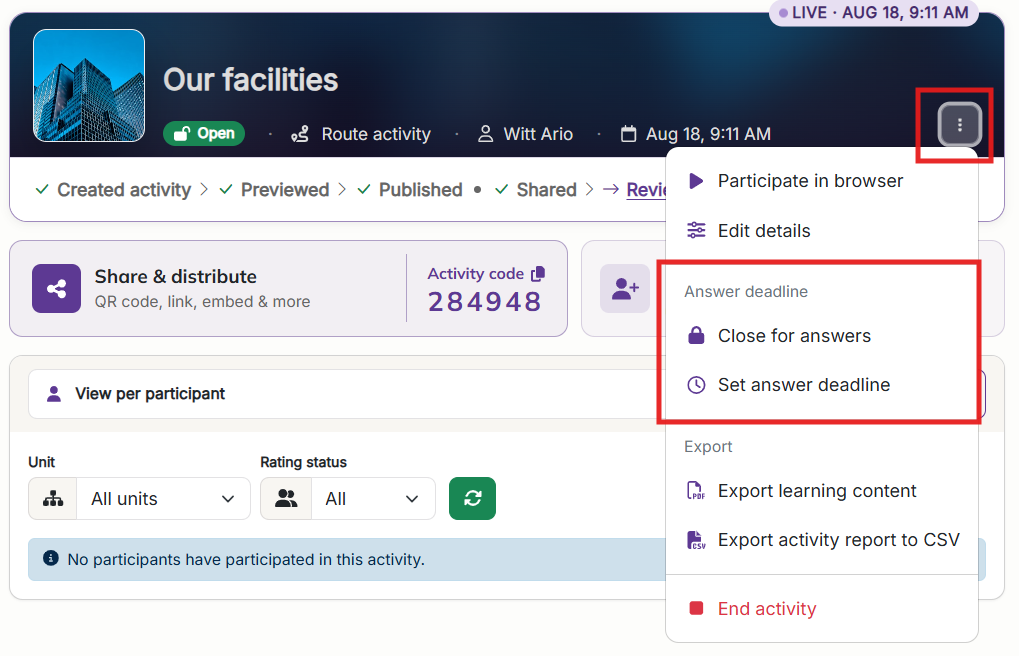
You will find this in the actions menu on the published activity's page, under Answer deadline. Both instructors and co-instructors can use it.
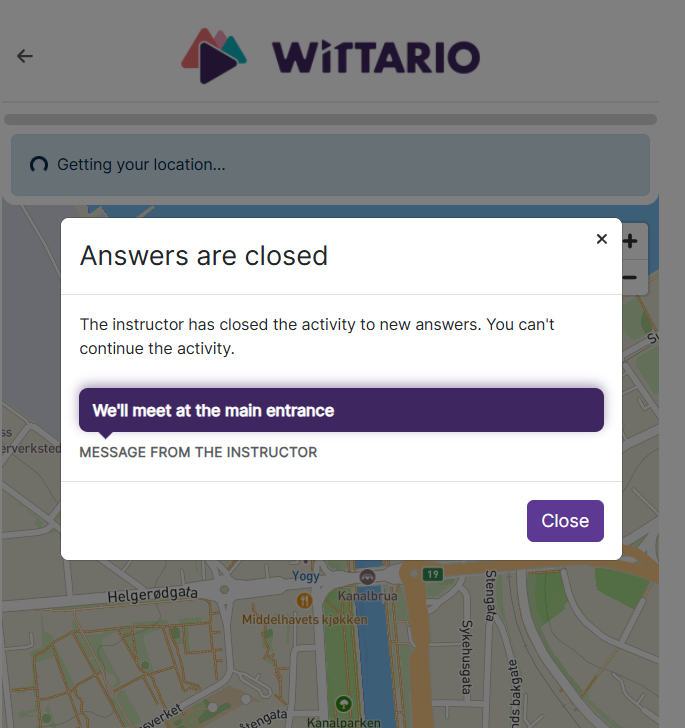
While an activity is closed, participants cannot submit anything new or move on to the next task. They can still look back at what they have already answered.
The two major differences between closing for answers and stopping an activity are:
Pick Close for answers to stop new answers straight away, or Set answer deadline to have it happen by itself later. A deadline can be a countdown of up to 24 hours or a fixed date and time in the future, and the activity shows how long is left while it runs. The deadline will be visible in the learning portal for those invited or assigned to the activity.
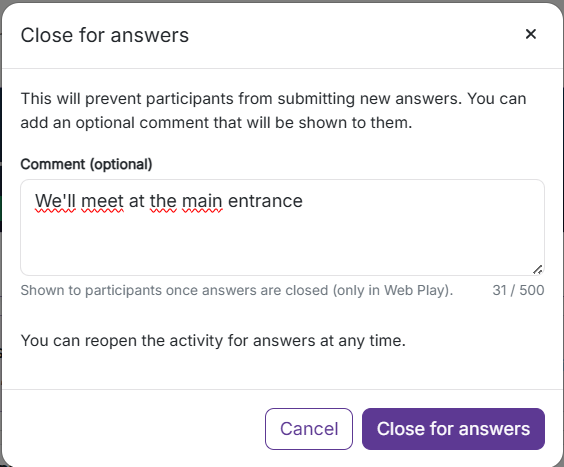
Add an optional comment and participants will see it once the activity locks. Handy for telling everyone where to meet or what to do now that the activity is over.
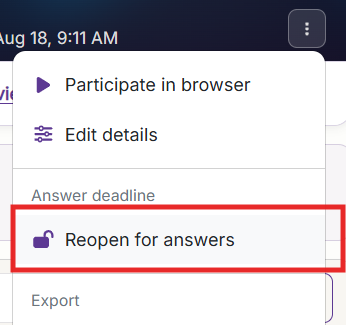
Choose Reopen for answers and the activity starts accepting answers again, so you can also use this as a pause button. Answers already handed in can still be rated and given points while the activity is locked.

Can't find answers to what you ar looking for, or have something to tell us?
Contact us and we will get back to you!
Our opening hours are Monday through Friday 08:00 to 16:00 (CET)